To change an app’s region, go to the Apps page, click your app, then click the Networking tab. In the Private Network area, click Edit network.
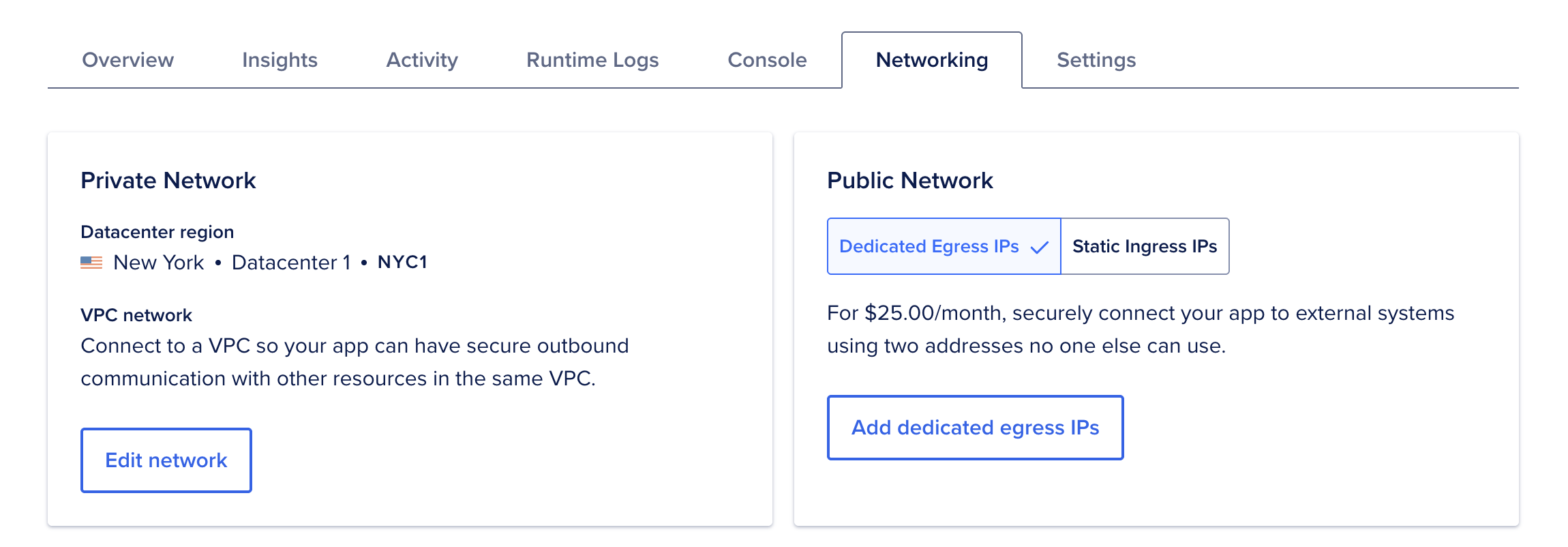
In the Edit datacenter and VPC network dialog, select an option in the Choose a datacenter region dropdown menu. Select Connect app to VPC network to enable secure outbound communication with other resources in the VPC. Click Save network settings.
Go to the Apps page in the DigitalOcean Control Panel, click your app, then click the Settings tab. In the App Spec section, click Edit. You can edit the spec directly in the control panel or download and edit it in a text editor.
To change the region, set the value of the region field to the desired region’s slug, like this:
example-app.yaml
name: example-app
region: sfo
features:
    - buildpack-stack=ubuntu-22
services:
- build_command: npm run build
  environment_slug: node-js
  github:
    branch: master
    deploy_on_push: true
    repo: example/app-repo
  http_port: 8080
  instance_count: 2
  instance_size_slug: apps-s-1vcpu-1gb
  name: reactions
  run_command: npm start
  source_dir: /
Review our regional availability page for a list of regions and their slugs.
If you edited the spec in the control panel, click Save to update your app. If you downloaded the spec, click Upload File, select your updated spec, click Open, and then click Replace. This automatically triggers a redeployment into the new region.